Why Social Media Feels Like a Full-Time Job (And How to Claim Your Time Back)
Staring at a blank screen at 9 AM is a miserable experience. You know you need to post today. You have a major client call in twenty minutes, your coffee is getting cold, and your brain is entirely empty.
Jump to a section:
- Why Social Media Feels Like a Full-Time Job (And How to Claim Your Time Back)
- What is Social Media Scheduling?
- The Content Treadmill: Why Manual Posting Kills Your Reach
- 5 Time-Saving Strategies for Social Media Scheduling
- Why Most Creators Still Get Bad Results with Scheduling
- Real Before/After: Creators Who Reclaimed Their Time
- The Consistency Trap: Why Algorithms Reward Cadence Over Perfection
- Your 15-Hour Weekly Rescue Checklist
- Frequently Asked Questions About Social Media Scheduling
- Stop Living in Your Content Feed
Sound familiar?
Most creators run their accounts like a daily fire drill. They wake up, scramble for an idea, type something out in a panic, and hit publish just to feed the machine. They treat content creation as an emergency rather than a system.
This constant context switching between deep client work and reactive content creation drains your cognitive energy fast. Every time you pivot from a focused project to drafting a quick tweet, your brain takes a hit. Research shows it takes over twenty minutes to regain your full focus after an interruption. If you are logging into social platforms three times a day just to post, you are actively burning hours of productive time.
Ready to save 15+ hours every week?
Join other creators who've automated their social media with SocialCal.
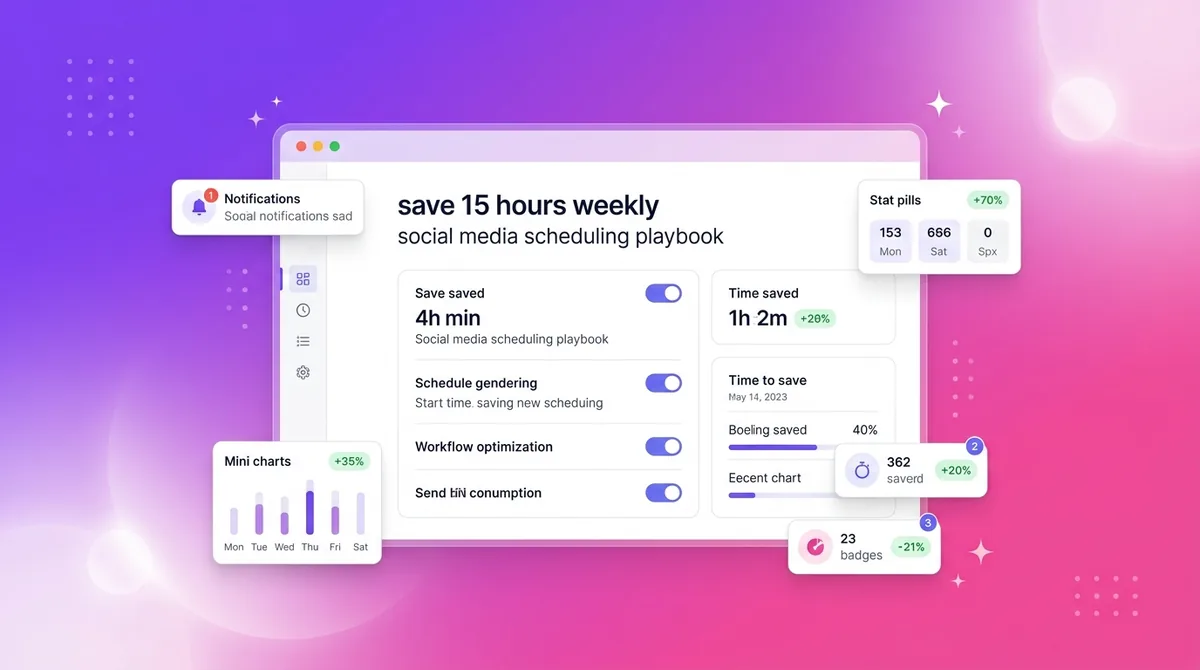
Get started freeBut there is a better way. You can actually save 15+ hours a week by treating your content like an assembly line.
The secret is mastering social media scheduling. When you separate the act of creating from the act of distributing, you buy your time back. You stop serving the algorithm and force the algorithm to start serving you.
What is Social Media Scheduling?
Social media scheduling is the process of planning, creating, and organizing content to automatically publish across social platforms at specific future times. It allows creators to batch their workload, maintain a consistent posting cadence, and reach audiences during peak algorithmic activity windows without manual, real-time posting.
The Content Treadmill: Why Manual Posting Kills Your Reach
Posting manually traps you in a reactive habit loop. You only post when you feel inspired or when you suddenly remember you haven't shown up in a few days.
Here is what nobody tells you about social media algorithms. They are essentially predictive models. They want to know when you are going to be active so they can appropriately route traffic to your content. If you post at 9 AM on Monday, 4 PM on Tuesday, and skip Wednesday entirely, the predictive model breaks.
The algorithm becomes confused by your erratic behavior. It does not know when to prime your core audience to receive your content. This inconsistency destroys your baseline reach.
On top of that, manual posting guarantees you will eventually miss your peak audience activity windows. You cannot always be at your keyboard when your followers are most active. Sometimes you are sleeping, driving, or actually living your life. This is exactly why so many creators struggle to figure out the secret to Instagram growth without posting daily—they are too busy running on the treadmill to build a proper system.
If you rely on your daily motivation to dictate your publishing schedule, you will inevitably burn out.
5 Time-Saving Strategies for Social Media Scheduling
Successful creators do not work harder than you. They just manage their assets differently. By building a clear boundary between generating ideas and pushing those ideas live, you can radically scale your output. Here are the five strategic pillars you need to implement.
Strategy 1: Batch Creation (The Assembly Line Method)
Human brains are not designed to write a hook, film a video, design a graphic, and write a caption all in the same twenty-minute window. Each of those tasks requires a completely different cognitive state.
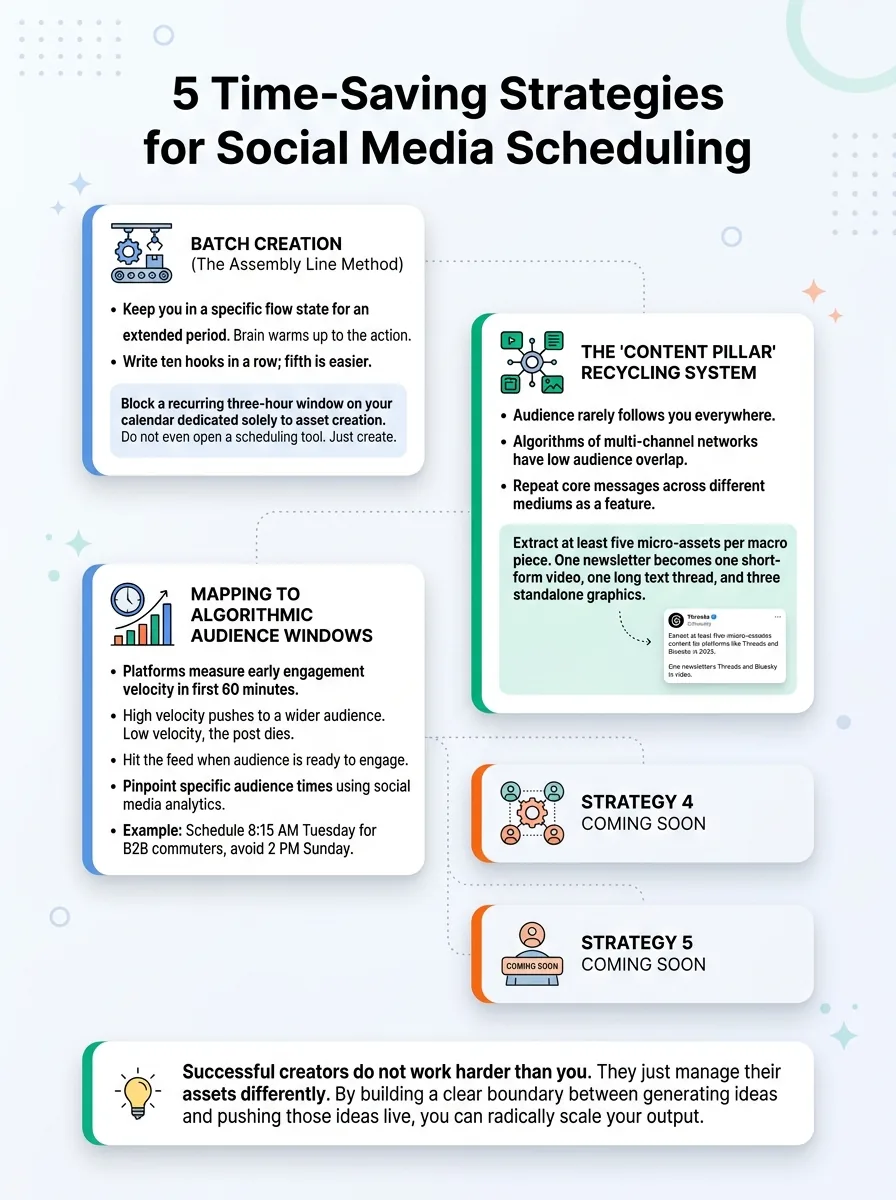
Task batching solves this by keeping you in a specific flow state for an extended period. When you write ten hooks in a row, the fifth one is always easier than the first. Your brain warms up to the specific action.
Imagine setting up an assembly line. On Monday morning, you spend one hour writing all your scripts and captions for the week. On Tuesday, you set up your lighting once and film five videos back-to-back. On Wednesday, you sit down and schedule everything.
Actionable step: Block a recurring three-hour window on your calendar dedicated solely to asset creation. Do not even open a scheduling tool during this block. Just create.
Strategy 2: The 'Content Pillar' Recycling System
Most creators assume their audience follows them everywhere. In practice, this rarely happens.
Your YouTube subscribers probably are not reading your quick text updates. The algorithms of multi-channel networks do not have 100 percent audience overlap. Therefore, repeating your core messages across different mediums is a feature, not a bug.
You do not need to invent thirty unique ideas every month. You need three core ideas, chopped into multiple formats. Taking a central concept and distributing it across different formats—like adapting a long-form video into a short text series for those exploring how to post on Threads and Bluesky in 2025—captures entirely different reader segments.
Actionable step: Extract at least five micro-assets per macro piece of content. One newsletter should easily become one short-form video, one long text thread, and three standalone graphic posts.
Strategy 3: Mapping to Algorithmic Audience Windows
Almost every social network measures early engagement velocity. The system watches how many people like, comment, or share your post within the first sixty minutes of it going live.
If the velocity is high, the platform pushes the content to a wider secondary audience. If the velocity is low, the post dies.
By scheduling your content, you guarantee that your posts hit the feed at the exact moment your audience is online and ready to engage. If your target demographic is B2B professionals, scheduling a post for 8:15 AM on a Tuesday while they are commuting makes mechanistic sense. Posting that same thought at 2 PM on a Sunday is throwing your hard work into a void.
If you have absolutely no idea when your followers are actually online, you need to learn how to read your social media analytics to pinpoint your specific peak hours.
Actionable step: Audit your platform insights right now. Identify your top two peak engagement windows and build your entire scheduling cadence around those specific hours.
Strategy 4: The 80/20 Rule of Automated Evergreen Content
Evergreen content is the anchor of your social presence. These are the timeless, educational, or motivational posts that remain relevant whether someone reads them today or six months from now.
When you automate your evergreen content, your account constantly sends active data signals to the algorithm. The platform sees you as a reliable daily publisher. This frees up your mental energy so you only have to manually react to the 20 percent of timely industry news or trending topics.
Figuring out how often to post on LinkedIn becomes incredibly easy when the vast majority of your calendar is already filled with timeless educational assets running in the background.
If you hate designing slide decks for these evergreen posts, you can just drop your raw text into a LinkedIn Carousel Generator to quickly build out visual assets without opening complex design software.
Actionable step: Build a foundational library of thirty evergreen posts. These can be continuously looped or rescheduled during busy weeks when you have zero time to create.
Strategy 5: Building a Pre-Publishing Review Buffer
Writing and editing require totally different parts of your brain.
When you write and publish in the exact same sitting, you suffer from creator blindness. You miss typos, you overlook tone-deaf phrasing, and you fail to realize that your hook is actually incredibly boring.
Scheduling forces a mandatory cooling-off period. When you draft a week's worth of content on Monday but don't finalize the schedule until Wednesday, you get to view your work with fresh eyes. You will naturally catch errors and tighten up your messaging before anything goes live.
Actionable step: Implement a basic Draft, Buffer, Approve pipeline. Never schedule a post on the same day you write it.
Why Most Creators Still Get Bad Results with Scheduling
People love to blame the algorithm or the software when their automated content flops. The truth is usually much simpler. They are just using the tools incorrectly.
Here are the traps you need to avoid.
Mistake 1: Treating Every Platform Exactly the Same
Cross-posting the exact same asset without adjusting the native formatting is a massive unforced error. Leaving Instagram handles on a LinkedIn post looks lazy. Using thirty hashtags on a platform that only favors three makes you look like a spammer.
Social algorithms actively suppress content that looks like it belongs on a competitor's network.
The fix here is strictly procedural. This is exactly where using a robust multi-platform publishing system saves you. You compose the core message once, but you tweak the tags, adjust the line breaks, and resize the images for each specific network before you hit schedule.
Mistake 2: The 'Set and Forget' Ghost Town Trap
Scheduling automates your distribution. It does not automate your community building.
The worst thing you can do is schedule a post for 9 AM and then not open the app until 6 PM. The first hour of comments is critical. If people are taking the time to reply to your content and you are completely absent, they will stop engaging with you in the future.
Other common errors include over-scheduling pure filler content just to fill slots on a calendar, or completely ignoring trending native audio on video platforms. You can catch these bad habits early by running through a content audit checklist system at the end of every month.
Real Before/After: Creators Who Reclaimed Their Time
Let's look at how this actually plays out in the real world.
Take Sarah, a B2B SaaS consultant. She used to wake up every morning stressing over her daily LinkedIn post. It took her 45 minutes of staring at the screen to write something decent. That is roughly four hours a week of pure anxiety. By switching to a batching model, she now spends just three hours on Sunday afternoon writing and scheduling three weeks of content. Her weekdays are entirely focused on client calls.
Then there is Marcus, an online fitness coach. He was manually posting his Instagram Reels every afternoon between training sessions. He frequently forgot to post, his engagement was completely erratic, and his reach was stagnant. He started dedicating Tuesday mornings to filming and scheduling all his videos for the week. By hitting a perfectly consistent publishing cadence, his reach naturally grew by 40 percent because the algorithm finally understood his patterns.
Neither of them became better writers overnight. They just fixed their distribution mechanics.
The Consistency Trap: Why Algorithms Reward Cadence Over Perfection
Here is what separates professionals from amateurs.
Amateurs agonize over crafting one perfect post, publish it, get mediocre results, and then disappear for two weeks out of frustration. Professionals understand that algorithms reward reliable cadence over sporadic perfection.
The real issue is never finding the perfect post. It is showing up consistently enough to actually build an audience habit. You want your followers to implicitly expect your content with their morning coffee.
Motivation is fragile. Systems are resilient. Using a tool like a visual content calendar removes the daily friction of posting entirely. It turns a fragile, emotion-based habit into a guaranteed, systemized output.
Your 15-Hour Weekly Rescue Checklist
Ready to build your own creator assembly line? Follow these exact steps.
Run a brutal time audit to see how many hours you actually waste opening and closing social apps.
Define your three core messaging pillars so you never have to wonder what to talk about again.
Block a strict, recurring four-hour window on your calendar purely for writing and filming.
Figure out your peak audience times by looking at your historical post data.
Load, format, and tag your assets properly inside your scheduling software.
Carve out a tiny 15-minute daily block purely for answering comments natively on the platforms.
If you are still trying to figure out which software actually fits this workflow, looking at a brutally honest comparison of Buffer, Hootsuite, Later, and SocialCal will help you pick the right engine for your assembly line.
Frequently Asked Questions About Social Media Scheduling
Does scheduling posts hurt my algorithmic reach?
No. Social platforms actively provide official APIs for tools precisely because they want reliable, consistent creators on their networks. If you are specifically worried about Meta, you can read our step-by-step check on whether scheduling Instagram posts reduces reach, but the short answer is absolutely not. What actually hurts your reach is scheduling lazy, non-native content and ignoring your comment section.
How far in advance should I schedule social media posts?
The sweet spot for evergreen, educational content is roughly two to four weeks. For timely, trend-based content, stick to one to three days. Going further than a month out is risky because current events shift, and your pre-written content might suddenly appear culturally tone-deaf.
Ready to save 15+ hours every week?
Join other creators who've automated their social media with SocialCal.
Get started freeStop Living in Your Content Feed
Growth is not about everyday perfection. It is about relentless consistency.
When you stop treating social media like a daily emergency, you instantly reclaim your focus and your free time. Separate the act of creating from the act of distributing. By setting up a proper scheduling system with a tool like SocialCal, you can finally step off the content treadmill and start running a true creator business.