Headshots & profile photos
Turn a casual photo into a cleaner LinkedIn headshot, team avatar, or About-page image in minutes. Add white or a brand colour and you are ready to publish.
Remove the background from any photo in seconds. 100% private, unlimited use, no watermark. Works on any device — right inside your browser.
Or paste an image (⌘V / Ctrl+V)
Real sample pairs across products, portraits, animals, vehicles, and graphics. Each tab uses the original image and the matched transparent cutout.
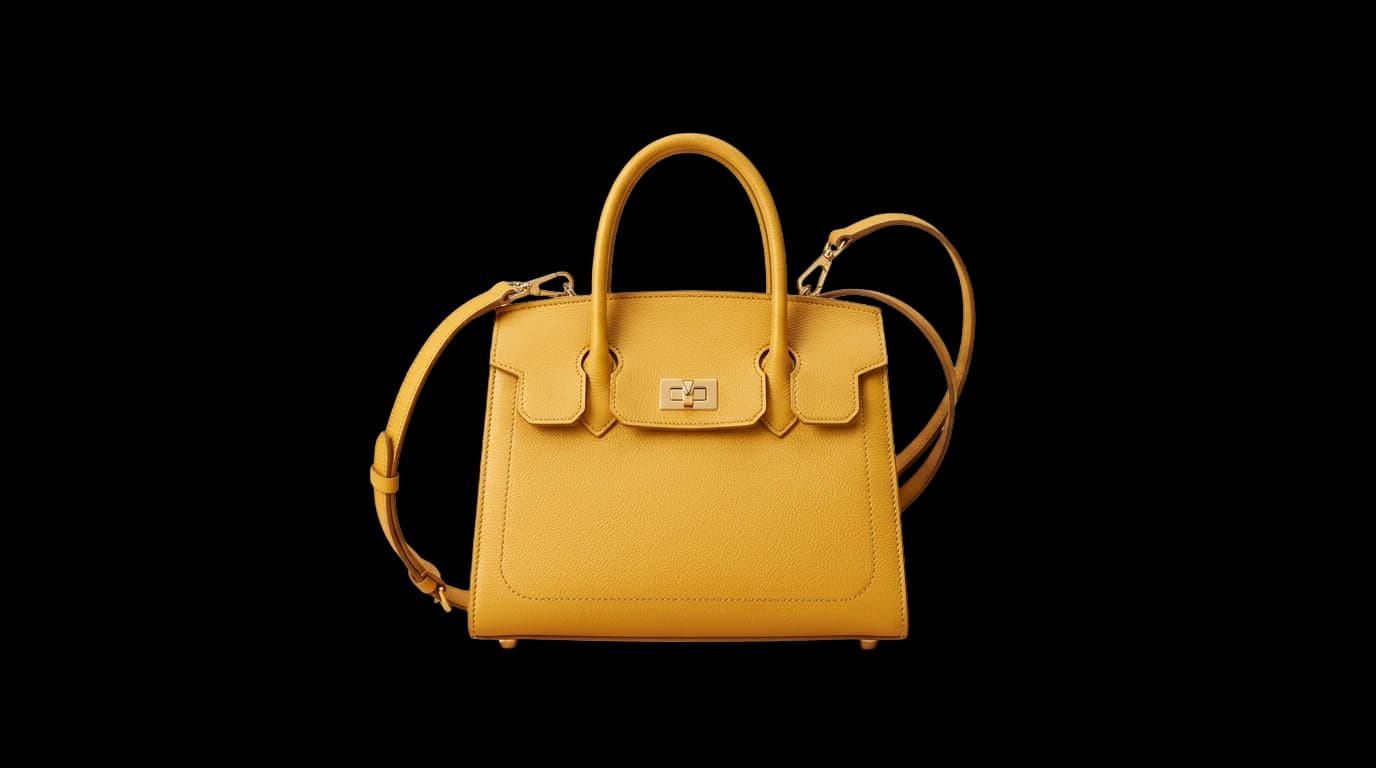
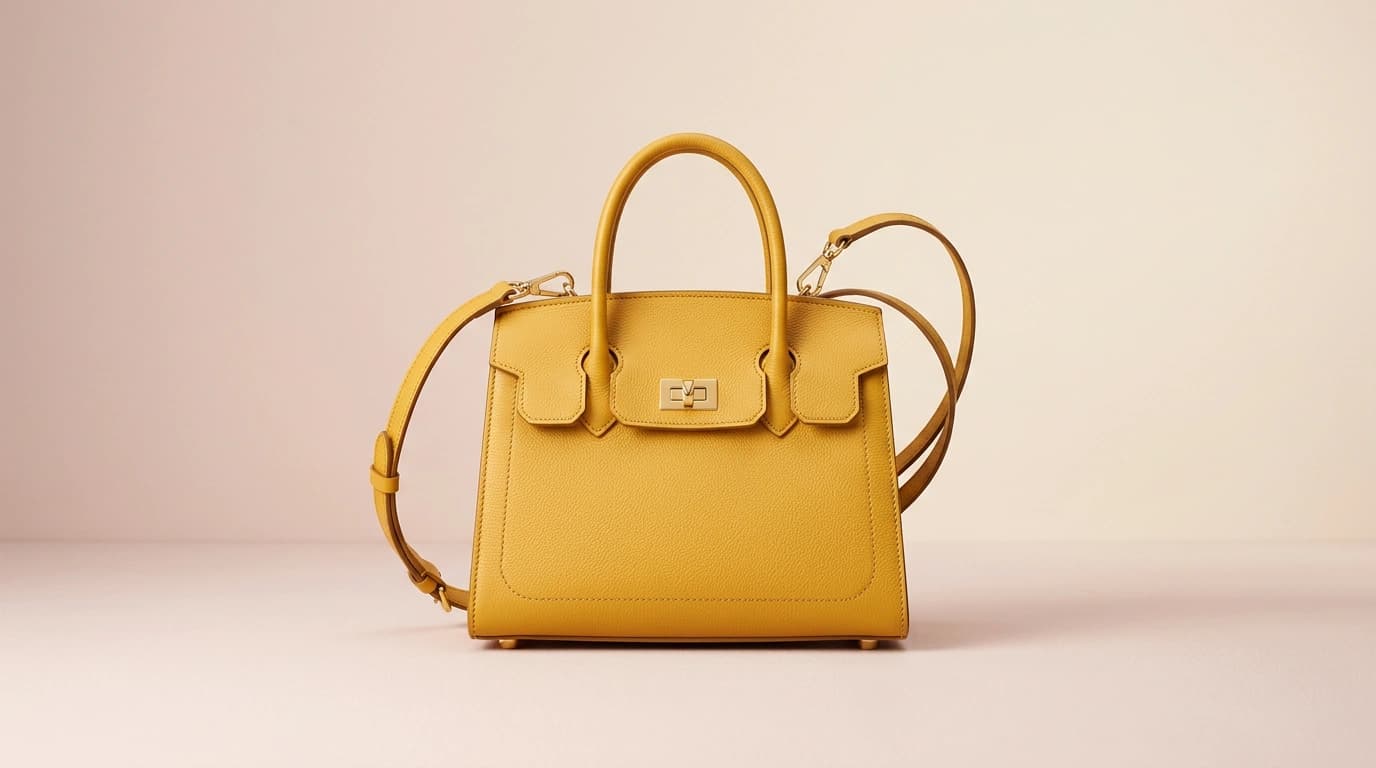
Product photos with clean cutout edges
Great for ecommerce, catalog images, paid ads, and design comps that need a premium isolated product.
Remove.bg and Canva are strong references, but they solve a slightly different problem. This view keeps the comparison centered on the things that matter most for free-tool users: privacy, friction, editing depth, and whether the free path stays simple.
| Feature | SocialCal | remove.bg | Canva | Pixelcut | Fotor |
|---|---|---|---|---|---|
| Runs fully in your browser (no upload) | |||||
| Free ongoing use without credits | HD costs credits | PartialOne free use | PartialFree tier | PartialFree tier | |
| Best for a fast one-task workflow | Opens full editor | PartialTool + editor | PartialTool + editor | ||
| Built-in editing beyond background removal | PartialSolid colours | PartialBasic edits | |||
| Full-resolution / HD export on the free tier | Credits for HD | PartialOne free PNG | PartialVaries by tool | ||
| Works offline after first load |
All details reflect each tool's publicly stated behaviour at the time of writing. Pricing and policies on third-party tools may change.
Short version: if you want the most private and lowest-friction cutout flow, SocialCal is the best fit. If you want a full editor around the remover, Canva, Pixelcut, and Fotor are stronger matches.
Fast, private cutouts without accounts, credits, or a detour into a full design editor.
Your image stays on your device. Nothing is uploaded or stored, which makes the tool a strong fit for client work, internal assets, and private photos.
ISNet runs with WebGPU where available and falls back to WebAssembly elsewhere. Expect a few seconds on laptops and a bit longer on phones.
Download a full-resolution transparent PNG that drops straight into Canva, Figma, Photopea, or your usual design workflow.
Switch to white, black, or a custom brand colour before download. Handy for headshots, marketplaces, and quick social assets.
After the model downloads once, later removals can run offline in the same browser. Useful when you are traveling or working with spotty Wi-Fi.
No credits, daily caps, or downgraded previews. The result you see is the file you download.
Open the page, drop in an image, and download the cutout. No account setup and no watermark on the result.
Works in modern iPhone, iPad, Android, and desktop browsers without needing a separate app install.
Three steps from upload to cutout. No learning curve, no account, no queue.
Drag and drop a JPG, PNG, or WebP into the tool above. You can also click to pick a file or paste an image from your clipboard with ⌘V / Ctrl+V.
An ISNet segmentation model runs locally in your browser using WebAssembly and WebGPU. Typical processing takes a few seconds on modern hardware.
Save a transparent PNG or a JPG with a solid background colour. Right-click the preview to copy the image straight to your clipboard.
AI background removal uses image segmentation to separate the subject from the background, then turns that mask into a transparent PNG. It works well for people, products, pets, and everyday marketing assets that would otherwise need manual cutout work.
SocialCal runs ISNet in the browser with WebAssembly and WebGPU, so the photo stays on your device while still producing clean edges in a few seconds on modern hardware.
Many background removers send your image to a server first. SocialCal keeps the whole flow local in your browser with WebAssembly and WebGPU, so nothing is uploaded, stored, or shared.
The tool is simple, but the output is useful across marketing, ecommerce, creator workflows, and everyday design tasks.
Turn a casual photo into a cleaner LinkedIn headshot, team avatar, or About-page image in minutes. Add white or a brand colour and you are ready to publish.
Create white-background marketplace shots or transparent PNGs for PDPs without a separate studio edit pass. Great for handmade goods, apparel, packaging, and catalog updates.
Cut yourself out, drop the subject over a screenshot or gradient, and add a bold headline. It is a fast workflow for creators batching thumbnails and cover art.
Reuse one photo shoot across carousels, pins, cover images, and ad creative. Transparent PNGs drop cleanly into Canva or Figma so you can keep the visual system consistent.
Great for stickers, cards, prints, and wallpapers. Free unlimited runs make it easy to try a few shots and keep the cleanest cutout.
Fast cutouts for slides, ads, flyers, and landing pages. Keeping the workflow in-browser is especially useful when you are handling client or pre-launch assets.
The AI background remover runs wherever modern WebAssembly and WebGPU run. Here are the concrete minimums — no guessing whether your stack is supported.
| Browser | Minimum version | WebGPU | Notes |
|---|---|---|---|
| Chrome / Edge | 113+ | Yes | Fastest. WebGPU enabled by default on Windows, macOS, and most Android builds. |
| Safari (macOS) | 17+ | Yes | Full WebGPU support on Apple Silicon and recent Intel Macs. |
| Safari (iOS / iPadOS) | 17+ | Yes | WebGPU available; A14 Bionic or newer recommended for 4K images. |
| Firefox | 121+ | WASM fallback | Runs via WebAssembly with SIMD — a little slower than WebGPU, still usable. |
| Samsung Internet | 24+ | WASM fallback | WebAssembly path works fine on Android flagship phones. |
A few practical ways to get a cleaner cutout and spend less time retouching.
Hair and fur are still the hardest edges. You will get cleaner results when the subject contrasts clearly with the background and the source image is reasonably high resolution.
If the subject and background are similar in color or brightness, the mask can bleed. A tighter crop and a more contrasting backdrop usually improve the result immediately.
Transparent objects are still difficult because the background shows through them. For glass or glossy packaging, expect to do manual cleanup afterward or shoot on a backdrop you are happy to keep.
For ecommerce, consistency matters more than perfection. Keep the backdrop, distance, and lighting steady, then use white for marketplaces and transparent PNGs for your product pages.
There is no bulk upload yet, but a simple two-tab workflow works well for batches. Once the model is cached, each new image is faster, so repeat jobs move quickly.
Phones can struggle with very large images. If performance feels slow, resize the source to roughly 2048 px on the long edge and keep the browser updated for better acceleration.
Quick answers to the most common questions about free picture background removal.
Upload your image at the top of this page, wait a few seconds while the AI runs in your browser, then download the result as a transparent PNG or a JPG with a solid background. No signup, no credit card, and no watermark. You can process as many photos as you like.
Yes — completely free with no limit on the number of photos. We run a segmentation model (ISNet) locally in your browser, so there is no server-side cost to us per image. No credits, no subscription, no paywall.
Yes. The tool works on iPhone, iPad, and Android browsers, though the first photo takes longer on phones while the AI model downloads. After the first use, the model is cached and subsequent images process quickly. WebGPU-enabled browsers (Chrome and Safari 17+) are fastest.
The cutout is produced at up to 4096 × 4096 pixels — comfortably higher than most photo sources. The AI runs internally at 1024 × 1024 to generate the mask, then the mask is upscaled with bilinear interpolation and applied to the full-resolution image. The visible result preserves the original sharpness of the subject.
No. Everything — the AI model, the inference, and the image compositing — runs inside your browser tab. Your photos never touch our servers. You can verify this by opening your browser devtools Network tab: you will see the model download once, and after that no image data is sent anywhere.
JPG, PNG, WebP, BMP, and GIF are supported for input. The cutout is exported as a transparent PNG by default, or as a JPG with a solid colour background (white, black, or a custom colour you pick). Maximum input size is 25 MB.
On a modern laptop, a typical 2000 × 2000 image processes in roughly 3–6 seconds. On phones it takes 10–20 seconds. The first image is slower because the browser downloads the ~44 MB AI model — after that, the model is cached and subsequent images are instant.
remove.bg charges credits for high-resolution downloads. Canva offers one free use, then pushes you toward Pro for ongoing use. Pixelcut and Fotor both offer free background removal, but they position it inside broader editing suites with paid upgrades. SocialCal is the simplest option if you want private, unlimited background removal in your browser without credits or an account.
Partially. ISNet is trained to find the main foreground subject, so glass bottles, wine glasses, and clear plastic often get treated as opaque — the background inside the object is removed rather than showing through. For product photography with glass, shoot against a plain coloured backdrop and plan to refine the alpha channel in Photoshop or GIMP after the automatic cutout.
You can remove the background from individual video frames by exporting them as images (JPG/PNG) first and running them through this tool one at a time. Full video background removal is a much heavier workload — if that is what you need, export frames at a lower frame rate or try a dedicated video tool. Batch-style video processing is on our roadmap.
Input files up to 25 MB are accepted. The AI mask is generated at 1024 × 1024 internally, then upscaled and applied to your full-resolution image, so output resolution matches your source up to 4096 × 4096 pixels. For very large photos (above 8000 × 8000), resize the longest edge to 4096 before uploading to avoid browser memory limits on mobile.
Yes. After your first photo, the ~44 MB ISNet model is cached by the browser, and the tool can run without an internet connection as long as the page itself has been loaded in that browser. This is genuinely offline — a great fit for plane rides, train Wi-Fi dead zones, or working from locations with strict network policies.
Yes. The output is simply your own image with the background removed — you retain all rights to your original photo, and SocialCal claims no ownership of the cutout. Use it in client work, ecommerce listings, ads, YouTube thumbnails, printed marketing material, or anything else. No attribution to SocialCal is required.
Yes. The transparent PNG download drops directly into any modern design tool with full alpha channel support — Photoshop, Figma, Canva, GIMP, Affinity Photo, Procreate, Krita, Photopea, and Adobe Express all import it correctly. No format conversion is needed, and the edges stay soft and anti-aliased rather than looking cut with scissors.
Explore our full suite of free social media tools — no signup required.
This tool is one of 30+ free utilities by SocialCal — the social scheduler that posts to Instagram, TikTok, LinkedIn, YouTube, Facebook, X, Threads, Bluesky and Pinterest from a single calendar.