You Scheduled Posts… and Suddenly Reach Feels Lower
You start scheduling because you’re busy (or burnt out), and then… boom. You’re Googling does scheduling instagram posts reduce reach at midnight like it’s a crime scene investigation.
Jump to a section:
- You Scheduled Posts… and Suddenly Reach Feels Lower
- Why Figuring Out Reach Drops After Scheduling Is So Hard
- Core Strategy 1: Run a Clean A/B Timing Check (The 3-Step Check, Part 1)
- Core Strategy 2: Protect the First-Hour Engagement Window (The 3-Step Check, Part 2)
- Core Strategy 3: Audit Content Mix Drift (The 3-Step Check, Part 3)
- Why Most People Still Get Bad Results
- Consistency Bridge: The Real Issue Isn’t Scheduling—It’s Consistency of Signals
- Quick Checklist: 3-Step Check to See If Scheduling Is Actually Hurting Reach
- FAQ: Scheduling Instagram Posts and Reach
- Conclusion: Scheduling Isn’t the Villain—Inconsistent Signals Are
I’ve been there. You switch workflows, your reach dips, and your brain immediately blames the scheduler. The problem is: Instagram is a messy system. Timing, content quality, audience mood, even whether you replied to comments fast enough—it all stacks.
So instead of guessing, here’s a clean 3-step check to separate correlation from causation fast. No spiral. Just signals.
Ready to save 15+ hours every week?
Join other creators who've automated their social media with SocialCal.
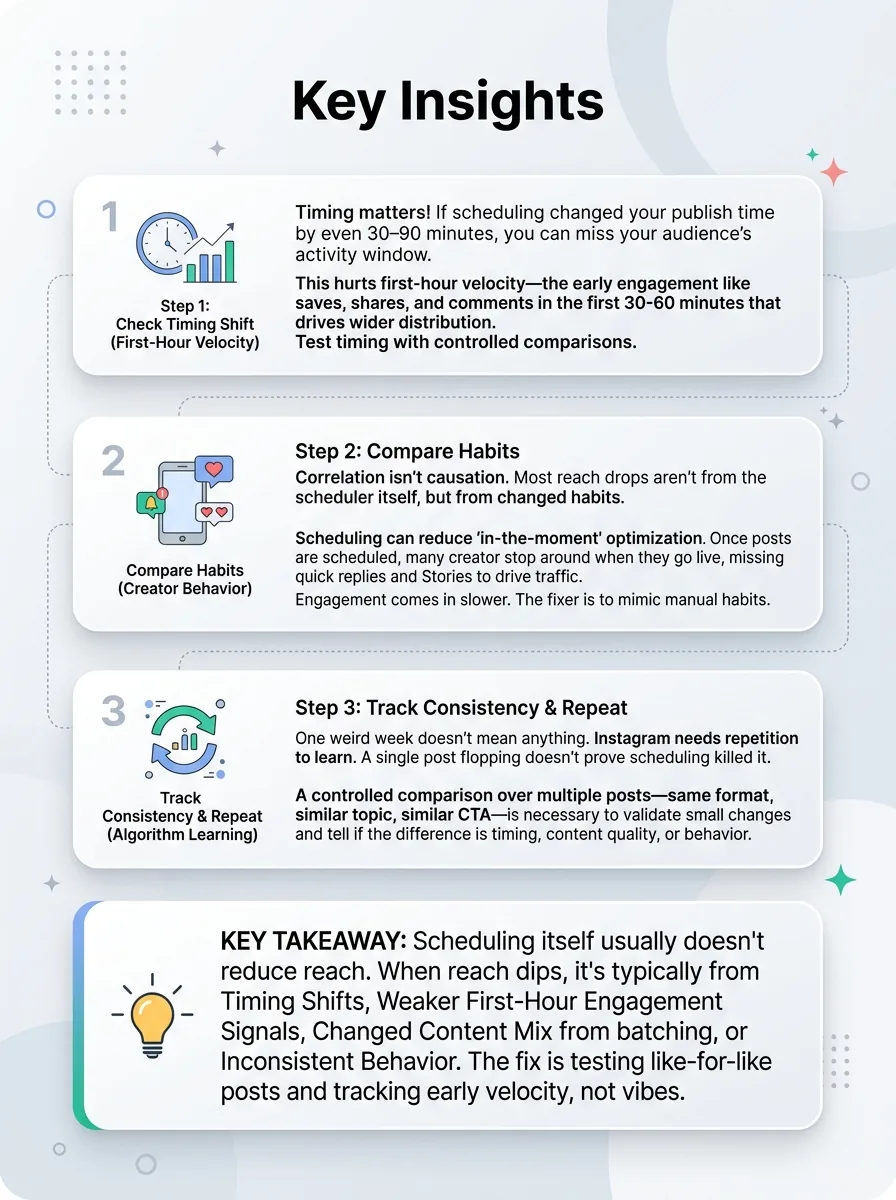
Get started freeScheduling itself usually doesn’t reduce reach. When creators feel a drop after scheduling, it’s typically from a timing shift (posting outside your audience’s active window), weaker first-hour engagement signals, a changed content mix from batching, or inconsistent behavior during the switch. The fix is testing: compare like-for-like posts and track early velocity (first 30–60 minutes), not vibes.
Why Figuring Out Reach Drops After Scheduling Is So Hard
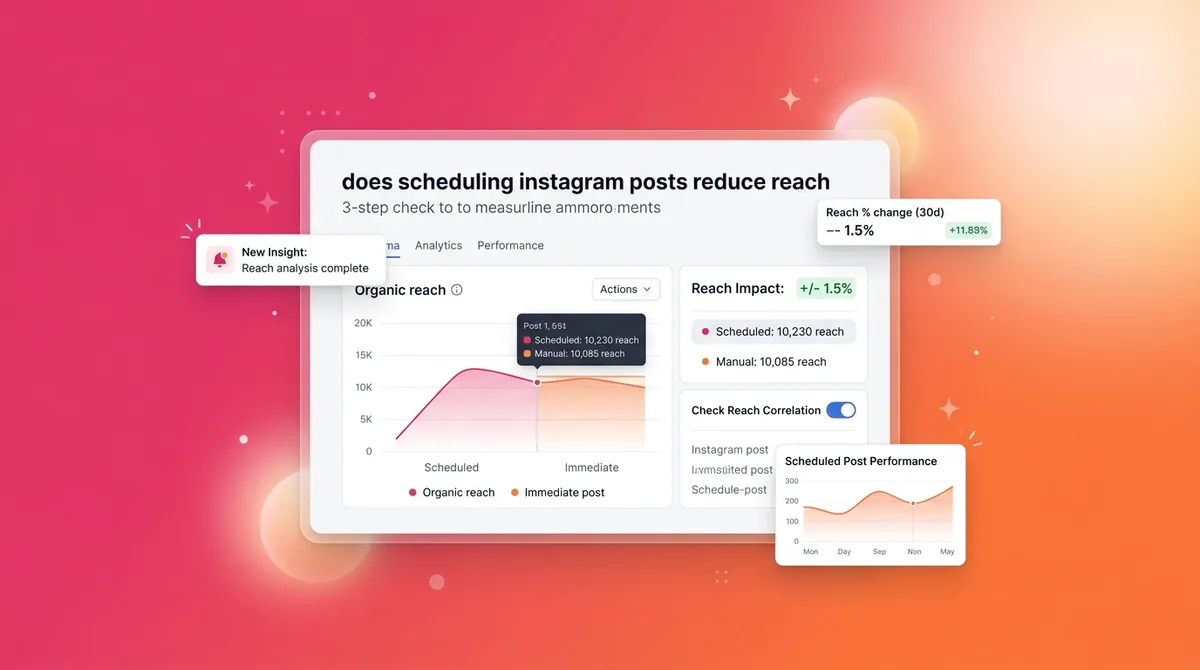
Does scheduling Instagram posts reduce reach? 3-step check
Instagram doesn’t judge your post and instantly decide its fate forever. It tests it. Your content gets shown to a small group first, then the platform watches what happens—especially early engagement velocity (how fast people save, share, comment, and stick around).
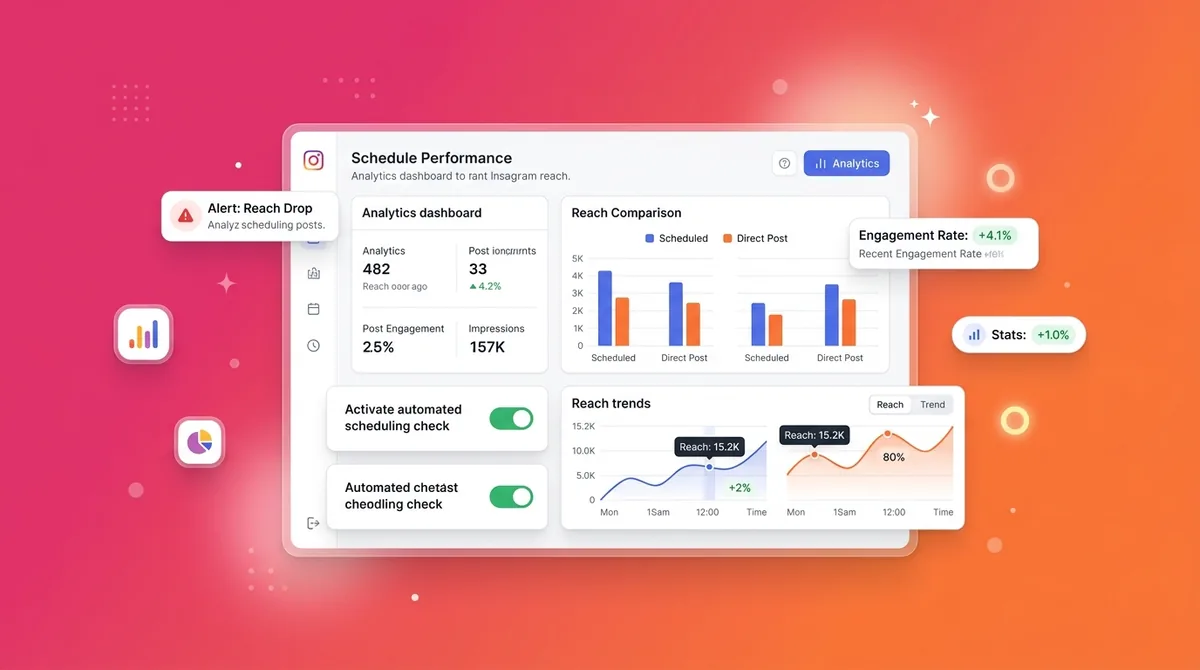
Now add human behavior. Once posts are scheduled, lots of creators stop “being around” when the post goes live, and they accidentally change the very signals that helped their manual posts pop.
The scheduler isn’t the variable. Your habits are.
The Habit Loop Problem: Scheduling can reduce “in-the-moment” optimization
Most creators make this mistake: they schedule a week of posts, feel productive, then mentally check out. No quick Story to push people to the post. No fast replies. No adjusting the next caption based on what just worked.
Imagine you manually post a Reel and you’re on your phone right after—replying, hearting comments, hopping into DMs. That post gets a bunch of early interactions. Next week, the same quality Reel is scheduled while you’re in meetings. Engagement comes in slower. Reach follows.
Algorithm Learning Cycles: Small changes need repeated posts to validate
Instagram needs repetition to “learn” what to do with your account. One weird week doesn’t mean anything. A single post flopping doesn’t prove scheduling killed it.
What actually works is controlled comparison over multiple posts—same format, similar topic, similar CTA—so you can tell whether the difference is timing, content, or behavior.
Core Strategy 1: Run a Clean A/B Timing Check (The 3-Step Check, Part 1)
If scheduling changed your publish time by even 30–90 minutes, you can miss your audience’s activity window. That hurts first-hour velocity, and that’s the engine that drives wider distribution.
If you want the “real” answer to does scheduling instagram posts reduce reach, timing integrity is the first thing to prove or eliminate.
Key takeaways at a glance
If you’re trying to get consistent without losing your mind, this is also why creators batch and plan ahead—here’s a solid workflow breakdown: save 15 hours weekly with a scheduling playbook.
Step 1 — Confirm publish time accuracy (time zone + app/device)
This one is way more common than people admit: you think you scheduled for 9:00am local… but it posts at 9:00am UTC. Or it posts at 9:07 because of a connection hiccup. Those minutes matter if your audience spikes at specific times.
Quick checks:
Check your scheduler’s workspace time zone setting.
Check your phone’s time zone (especially if you travel or use a VPN).
Verify the “published at” timestamp inside Instagram Insights for that post.
Action step: pick your last scheduled post and confirm the intended time matches the actual publish time to the minute. If it’s off, fix that first before blaming reach.
Step 2 — Compare like-for-like posts across two weeks
Don’t compare a carousel you scheduled to a Reel you posted manually. That’s not a test—that’s chaos.
Pick 3–5 pairs of similar posts across two weeks:
Reel vs Reel (similar length + hook style)
Carousel vs Carousel (similar topic depth)
Similar CTA (e.g., “save this” or “comment ‘guide’”)
Then compare: first 60 minutes metrics + 24-hour totals. In your notes app, you can structure it like: Post type → scheduled/manual → first hour saves/shares/comments/profile visits → 24h reach.
Action step: commit to comparing at least three pairs. One post is not evidence.
Step 3 — Measure “early velocity” not just total reach
Total reach is a lagging metric. It’s the outcome, not the cause.
The algorithm watches early signals because they predict whether your content will satisfy more people. Saves and shares are basically “this is useful” votes. Comments and profile visits signal curiosity and relevance. If those are slow in the first hour, distribution usually slows too.
Action step: for your next 3 scheduled posts, screenshot Insights at 60 minutes. Track saves, shares, comments, and profile visits. Compare to your manual baseline—not someone else’s.
Core Strategy 2: Protect the First-Hour Engagement Window (The 3-Step Check, Part 2)
Does scheduling Instagram posts reduce reach? 3-step check
Instagram tests posts in batches. Your job is to help the post “win” the first test group. Scheduling can accidentally remove the one thing that helps most creators: being present right after publishing.
This is why you’ll see people swear scheduling “killed” their reach. What actually happened is they stopped doing launch behavior.
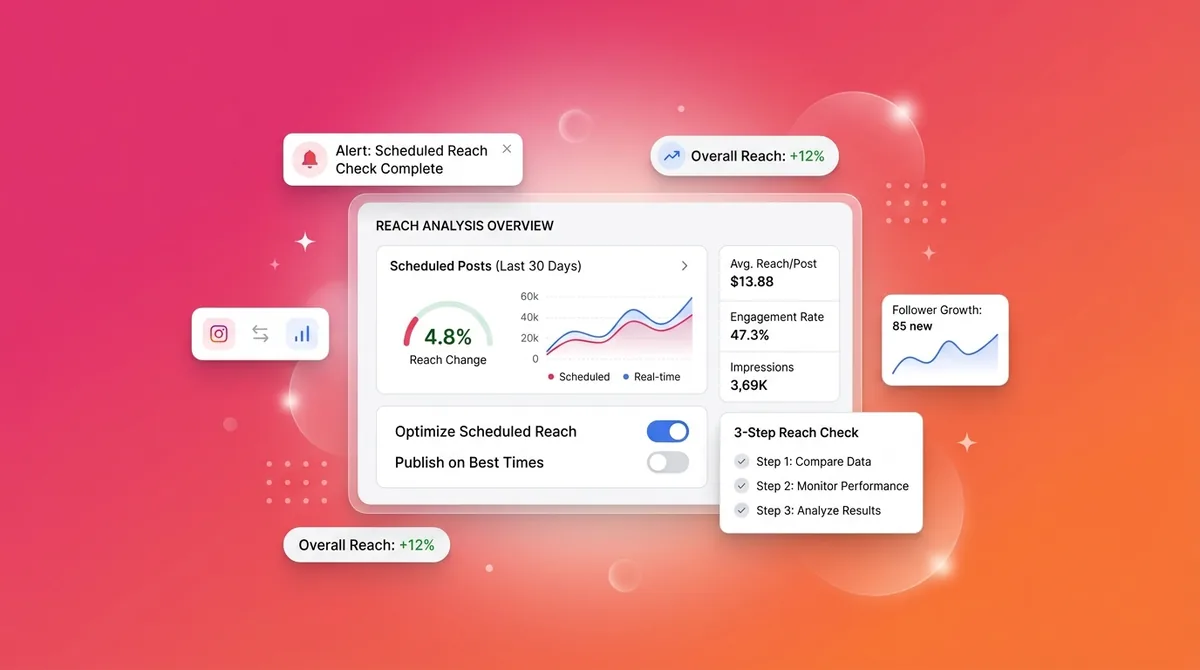
If you want a simple way to keep the habit, use a visual planner like a content calendar so you’re not just scheduling posts—you’re scheduling the 15-minute launch block too.
Build a “Post-Launch Routine” you follow even when scheduled
Here’s a routine that’s boring… and works:
5 minutes before: reply to a few DMs, comment on 3 follower posts, get “warm” on the app.
10 minutes after: reply fast to every early comment, pin one comment that sets the conversation, react to DMs.
Sound small? It is. But it changes the speed of early engagement, and speed is the point.
Action step: set a phone alarm for publish time + 10 minutes. Treat it like a meeting.
Use a Story + DM prompt to trigger rapid interactions
Here’s a tactic I’ve seen accounts grow from: post goes live, and you immediately run a Story that tells people exactly what to do.
Example: you post a carousel called “My 7-slide checklist for better hooks.” Then your Story says: “Want the checklist as a copy/paste note? Reply ‘guide’ and I’ll DM it.” Now you get Story taps, replies, DMs—real interactions that often correlate with stronger distribution.
Action step: for your next scheduled post, write the Story prompt in advance so it goes up within 5 minutes of publishing.
Core Strategy 3: Audit Content Mix Drift (The 3-Step Check, Part 3)
This is the sneaky one. You start batching content for scheduling and suddenly everything looks the same: same hook template, same “3 tips” structure, same CTA, same pacing.
The scheduler gets blamed, but the truth is your content got safer. Less novelty. Less retention. Less “I need to share this.”
If you want help sanity-checking your openings before you batch 10 posts, run a few options through a viral hook tester and keep the best two variations.
Check for batching side effects: sameness, weaker hooks, fewer experiments
Do a quick audit of your last 10 posts:
How many are Reels vs carousels vs single images?
Do your first lines/first slides look suspiciously similar?
Are you repeating the same CTA every time?
Real example: I’ve seen creators go from a healthy mix to 8/10 carousels with identical “Stop doing this…” first slides. Engagement drops. They blame scheduling. But people just got bored.
Action step: circle the last 10 posts and mark each as “new angle” or “repeat angle.” If repeats dominate, you’ve found the culprit.
Rebalance with a simple 3-bucket plan (educate / proof / connect)
When you batch, label each post before you schedule it:
Educate: “3 ways to write a hook that earns saves” (carousel)
Proof: “Here’s the exact Reel script that got 200 shares” (Reel + on-screen text)
Connect: “The mistake I made posting daily for 30 days” (talking head Reel or raw photo + story)
This stops your feed from turning into a template factory.
Action step: plan your next 5 posts as 2 educate, 2 proof, 1 connect. Then schedule.
Why Most People Still Get Bad Results
Even after hearing “scheduling doesn’t hurt reach,” creators keep getting burned because they switch workflows sloppily.
They change three variables at once (new posting time, new format, new content style) and blame the scheduler.
They stop showing up in the first hour, so early velocity dies quietly.
They batch too hard and everything feels same-y by day three.
They compare to a “viral week” baseline instead of their median performance.
They don’t test long enough—one week is basically noise.
If any of those felt personal… yeah. Same.
Consistency Bridge: The Real Issue Isn’t Scheduling—It’s Consistency of Signals
Here’s the thing: Instagram rewards consistent signals more than perfect execution. A clear topic, a steady cadence, and predictable engagement patterns give the algorithm something stable to learn from.
The real issue isn’t finding the perfect manual posting moment. It’s being able to do it consistently without burning out or disappearing for two weeks.
That’s where scheduling helps—if you use it as structure, not autopilot. If you want a clean way to keep cadence (and still show up for the first hour), a dedicated Instagram scheduler makes it easier to avoid random gaps while you build the post-launch routine into your week.
Quick Checklist: 3-Step Check to See If Scheduling Is Actually Hurting Reach
Timing integrity check (timezone + actual publish minute)
Pass = your scheduled time matches Instagram’s “published at” time within a couple minutes. Fail = it’s consistently off (wrong timezone or delayed posting).Early velocity check (first 60 minutes saves/shares/comments)
Compare scheduled posts to your own baseline. If first-hour saves/shares are down across 3+ comparable posts, the issue is likely timing or you not being present—more than scheduling itself.Content drift check (format + hook variety + audience fit)
Audit the last 10 posts for sameness. Immediate fix: rebalance the next 5 posts using the 3 buckets (educate/proof/connect) so your feed doesn’t turn into repeats.
FAQ: Scheduling Instagram Posts and Reach
Does Instagram penalize scheduled posts?
No. There’s no credible evidence of an explicit penalty just for scheduling. What usually changes is timing, first-hour engagement, or content variety. Tip: track first 60-minute saves/shares for scheduled vs manual posts before you decide anything.
Is it better to schedule posts with Instagram’s built-in tools or a third-party app?
What matters is reliability, correct timezone handling, and whether the workflow helps you show up for the first hour. Tip: whichever tool you use, verify the actual publish minute on three posts to confirm it’s accurate.
Why do my scheduled posts get fewer likes than manual posts?
Likes often drop when early engagement slows—usually because you’re not around to reply, or you posted outside your audience’s peak window. Tip: schedule the post, but block 15 minutes around publish time for comments + a supporting Story.
What time should I schedule Instagram posts for best reach?
Use your account’s audience activity insights, then test two “top windows” for two weeks. A practical start: pick your top weekday lunch window and your top evening window, and rotate. Tip: judge by first-hour saves/shares, not just reach.
How long should I test before deciding scheduling hurts reach?
Give it 2–4 weeks with at least 6–10 comparable posts (same format, similar topics). Instagram distribution varies by day and audience mood, so single-post conclusions are unreliable. Tip: run the A/B timing check with three pairs minimum.
Conclusion: Scheduling Isn’t the Villain—Inconsistent Signals Are
If you’re asking does scheduling instagram posts reduce reach, the honest answer is: not directly. Reach follows consistent timing, strong first-hour engagement, and a content mix that doesn’t get stale.
Run the 3-step check before you switch tools or panic-change your strategy. And if scheduling helps you show up more consistently (while still being present at launch), that’s usually a win—especially when your workflow makes the cadence feel automatic instead of exhausting.