For years, figuring out how to go live on Instagram was the easy part: open the app, swipe, tap, go. No follower minimum, no real gate. TikTok, meanwhile, held the line at 1,000 followers. In August 2025, Instagram finally matched TikTok — now both platforms require you to hit 1K before you can even test your first Live.
Jump to a section:
- Quick answer: how to go live on Instagram and TikTok in 2026
- Why going Live feels harder now (and why it actually is)
- In August 2025, Instagram brought Live to parity with TikTok — both now require 1,000 followers
- Going live on TikTok in 2026
- Going live on Instagram in 2026
- Instagram Live monetization in 2026 — and the Live Shopping pivot
- TikTok Live monetization in 2026
- Cross-streaming to both platforms simultaneously
- Live titling matters for SEO in 2026
- Common mistakes that kill Live reach
- Best practices that compound across both platforms
- From one-off Live broadcasts to a Live-centric content rhythm
- Quick framework: which platform should you go live on?
- Checklist: how to go live on Instagram and TikTok the right way
- Frequently asked questions
- The principle: Live is gated, but what matters is what you do after
The gate is the same. What happens after that gate is completely different.
This guide (current as of May 2026) breaks down exactly how to go live on Instagram and TikTok, what changed in the past year, and which platform is actually worth your time once you cross that 1,000-follower mark.
Quick answer: how to go live on Instagram and TikTok in 2026
To go live on either platform in 2026, you need at least 1,000 followers and must be 18+ (19+ in South Korea for TikTok). On TikTok: tap the + icon, swipe to LIVE, set a title and cover, tap Go Live. On Instagram: open the camera, swipe to Live, set audience (Public / Close Friends / Subscribers), tap the broadcast button. Desktop streaming is available on both via apply-only programs.
Why going Live feels harder now (and why it actually is)
You’re not imagining it — going Live used to be a low-bar growth hack, especially on Instagram. You could have 50 followers, hit Live, and hope the algorithm sprinkled you into random viewers’ feeds.
Those days are gone.
Both apps have shifted to a very clear pattern:
- Short-form video (Reels/TikToks) = your discovery engine
- Live = your depth and monetization surface after discovery
Why? Because the algorithm can measure and optimize short-form way faster. A 15–45 second clip gives TikTok or Instagram dozens of signals in under a minute: watch time, replays, shares, follows, profile taps. That’s how they decide if you’re “worthy” of access to a Live audience.
Live is slower and more chaotic. Viewers bounce, join, rejoin, lurk with the sound off. The platform doesn’t want to blast a low-quality or borderline-policy stream to thousands of people, so they gate it behind 1,000 followers and account health.
So if you’re stuck at “Why can’t I go live on Instagram anymore?” and rage-tapping the Live button… it’s not a bug. It’s the funnel working exactly as designed.
The practical implication: your Live strategy is now phase two. Phase one is growing to 1K with consistent short-form content. Only then does the whole Live conversation actually matter.
In August 2025, Instagram brought Live to parity with TikTok — both now require 1,000 followers
For years, Instagram Live had no follower minimum while TikTok required 1,000. Tons of small creators used IG Lives as a discovery hack: Q&As, casual behind-the-scenes, even “study with me” streams at 300 followers.
In August 2025, Instagram closed that gap. Same 1K gate. Same “account in good standing” requirement. Suddenly, hundreds of thousands of tiny accounts woke up and saw “Live unavailable” with no warning.
Here’s what that changed:
- No more Live-first strategy under 1K. You can’t skip Reels and jump straight into hanging out Live with 100 people. The platform forces you to learn short-form first.
- Both apps push new creators into the short-form firehose. They want you competing in the most addictive, high-retention feed they have.
- Monetization got pushed further down the funnel. First you earn reach, then Live access at 1K, then you worry about badges, gifts, and affiliates.
If you’ve been telling yourself, “I’ll start going Live once I have something to say,” the order flipped. You now post short-form first, get to 1K, then figure out your Live “thing” after.
Ready to save 15+ hours every week?
Join other creators who've automated their social media with SocialCal.
Get started freeGoing live on TikTok in 2026
TikTok LIVE requirements (2026)
To go Live on TikTok in 2026, you need all five of these:
- 1,000+ followers. Hard gate. No exceptions.
- Age 18+ (19+ in South Korea). This ties directly to gifts and real-money transactions, which are age-gated.
- A healthy Creator Health Rating (CHR). Drop below 200 points and TikTok suspends Live access and gift earnings.
- Account in good standing. No active community-guideline strikes on your account.
- Verified phone or desktop. TikTok wants a real human on the other end before giving you Live.
The CHR part trips up most creators. Think of CHR as your “trust score.” Minor violations gently chip away at it; repeated issues or one big screw-up tanks it. When you fall under 200, your Live button may still appear, but gifts and reach are throttled or removed.
To recover, TikTok pushes you through a kind of safety bootcamp: you post squeaky-clean content for a few weeks and complete policy quizzes that show you actually read the rules. It’s annoying, but it protects the Live ecosystem from turning into the wild west.
Step-by-step: going live on TikTok (mobile)
Once you’re eligible, here’s exactly how to go live on TikTok from your phone:
- Open TikTok and tap the + icon at the bottom.
- At the bottom of the screen, swipe through the recording modes until you see LIVE.
- Tap LIVE.
- Set a title (50 characters max). Treat this like SEO: “Live TikTok editing Q&A” beats “hangout time.”
- Choose a cover image that visually signals what’s happening — thumbnail psychology still applies.
- Optionally toggle Multi-guest LIVE or Audio only for podcast-style sessions.
- Tap Go LIVE and you’re on.
Mechanically, that’s simple. The real magic is in the title and the first 60 seconds. TikTok measures early retention hard — if most people bounce in the first minute, your stream gets shown to fewer people in the For You tab.
So don’t open with “Hey guys, we’re just going to wait for some more people to join.” Open with the actual value: “Today I’m rewriting three of your hooks live. Drop your captions in chat.”
TikTok LIVE Studio (desktop) — apply for access
If you’re doing gaming, tutorials, or talk shows, TikTok LIVE Studio on desktop is where things get serious.
Catch: it’s not auto-unlocked at 1K.
You have to apply through the TikTok Creator portal. Once approved, here’s how the access cycle works:
- You get a 14-day trial of LIVE Studio.
- To extend access, you must stream for at least 25 minutes, twice within those 14 days.
- Hit that threshold and your access extends for 180 days.
- The same renewal pattern repeats: meet the minimum streaming habit, keep Studio.
Why this weird system? TikTok wants to reward creators who actually stream regularly, not people who apply, test once, then ghost. The threshold is low, but it’s just enough friction to filter out the dabblers.
In Studio you get what mobile can’t give you:
- Screen sharing for software demos or gaming
- Multi-camera setups (face cam + overhead + guest camera)
- Overlay graphics, alerts, and better audio routing
Imagine you’re a fitness coach. You could run a normal Q&A on mobile. Or you could use Studio and show a split view: your full-body camera + a screen share of form diagrams you draw on live. Same topic, completely different perceived value.
TikTok multi-guest LIVE — Panel vs Grid layout
In 2026, TikTok cleaned up multi-guest Lives with two clear layout modes:
- Panel — You stay as the main video; your guest sits in a smaller window. Great for interviews where you’re the main “show.”
- Grid — Everyone gets equal-size windows. Best for debates, talent shows, gaming squads, or chaotic friend hangs.
Important catch: every guest needs 1,000+ followers too. So you can’t pull your brand-new follower with 47 followers on as a guest anymore. This forces you to collaborate up or sideways — which, honestly, is good for growth.
A simple play: once you hit 1K, host a weekly Grid “niche night” where you rotate in 3 creators in your space. Everyone brings their audience, and the combined viewership spikes your Live into more For You feeds.
Going live on Instagram in 2026
Instagram Live requirements (2026)
On Instagram, the Live rules in 2026 look like this:
- 1,000+ followers. New as of August 2025.
- Age 13+ (or local minimum). Standard IG account rules apply here.
- Account in good standing. Serious or repeated guideline violations can quietly remove your Live access.
- Desktop streaming only for Professional Accounts. You need a Creator or Business account to use Instagram Live Producer.
No, you can’t “hack it” with a personal account from desktop. The Professional Account requirement ties into brand safety and analytics — Instagram wants creators and businesses to be the ones using more advanced streaming tools.
Step-by-step: going live on Instagram (mobile)
Once you’re eligible, here’s how to go live on Instagram from your phone:
- Open Instagram and swipe right to open the camera (Story camera).
- At the bottom, swipe through the modes until you hit Live.
- Tap the audience selector and choose:
- Public — your default, discovery-friendly option
- Close Friends — small, private sessions
- Subscribers — paywalled for your paid subscribers
- Set a title. This is searchable on IG and across Meta’s broader search, so use literal keywords like “Instagram Reels audit live” instead of vague titles.
- Tap the person icon if you want to invite guests (up to 3, for a total of 4 people in a Live Room).
- Tap the broadcast button to start.
The audience selector is new-ish and underused. Most creators leave everything Public, but Close Friends and Subscribers-only Lives are amazing for tighter communities and higher conversion. A 45-minute Subscribers Q&A with 40 people can feel more impactful than a 400-viewer public stream with random drop-ins.
Instagram Live Producer — desktop streaming via RTMP
This is the feature serious Instagram creators begged for: full desktop Live streaming via RTMP.
In practice, it means you can use tools like OBS Studio or StreamYard to send a 9:16 vertical stream to Instagram with overlays, multiple cameras, and screen shares.
Two prerequisites:
- Switch your profile to a Creator or Business Professional Account.
- On desktop, go to instagram.com/live and grab your stream key. Paste that into OBS/StreamYard.
Crucial technical detail: set your output to vertical 9:16 (at least 720×1280). If you stream a 16:9 horizontal canvas, your video becomes a tiny strip in the middle of the phone screen with giant black bars, which destroys retention. Meta has called this out explicitly in their Live Producer docs at https://about.instagram.com/blog/announcements/introducing-instagram-live-producer.
If you’re running workshops or live editing sessions, this is where Instagram finally feels like a proper broadcast platform instead of just a mobile-only toy.
Instagram Live Rooms — up to 4 people total
Live Rooms haven’t changed much in 2026, but they still matter.
You can host 1 + 3 guests (4 total). To add someone, tap the person icon during your Live, search their username, and send an invite. Once they accept, they appear in a split-screen layout.
The twist is follower thresholds. The 1K minimum technically applies to hosting, but Instagram increasingly enforces it for guests as well, especially in categories prone to spam. Translation: treat Live Rooms like a collab surface, not random viewer call-ins.
One tactic I’ve seen work: a weekly “office hours” Live Room where you and 2–3 creators in your niche answer questions pulled from Stories. You each post an IG Story question sticker 24 hours before, then go Live together and answer on air. The combined reach is way higher than solo Lives, and you repurpose best answers into Reels later.
Instagram Live monetization in 2026 — and the Live Shopping pivot
What replaced Live Shopping
Classic Instagram Live Shopping — tagging products mid-stream so viewers could buy in real time — is basically gone in 2026.
Meta has gone all-in on asynchronous commerce, especially short-form. The biggest shift: native affiliate tagging in Reels, where you tag products and earn commission from sales driven by that Reel. The commerce happens quietly over days or weeks instead of during a single hypey broadcast window.
So if your 2024 plan was “I’ll just do Live Shopping shows every week,” the 2026 playbook is more like:
- Use Live to build trust, answer questions, and show the product in real-world use.
- Post companion Reels before/after the Live with affiliate tags on the exact products you featured.
Different rhythm. But if you hate hard-selling on camera, it’s actually more creator-friendly.
What’s still active for Instagram Live monetization
Here’s what still works in 2026 for making money directly from Instagram Lives:
- Badges. Viewers can tip you during the broadcast. This scales best with tight communities who feel connected enough to throw a few dollars your way.
- Subscriptions. Monthly recurring revenue from superfans, plus access to Subscribers-only Lives and content.
- Brand-deal Lives. A sponsor pays you to host a themed Live, launch event, or guided tutorial featuring their product.
The most reliable combo I see for smaller but engaged creators: a regular public Live series for free, then once a month a Subscribers-only deep-dive where badges + recurring subs stack nicely.
TikTok Live monetization in 2026
Gifts and Diamonds — the core mechanic
TikTok kept things pretty straightforward: viewers buy Coins, spend those Coins on Gifts (fancy animated stickers) during your Live, and you receive Diamonds which convert to real money.
On average, creators see roughly 50% of the original Coin value after TikTok’s cut. Within that system, earnings vary wildly:
- Top Live creators in niches like gaming, ASMR, talent shows, and high-intensity coaching clear $1,000–$5,000 per multi-hour stream.
- Most creators in the 1K–50K follower range see something more like $20–$200 per Live.
The algorithm heavily favors Lives with strong gift activity. Gift streaks and high engagement signal “this stream is worth boosting,” which can push you onto more For You pages mid-stream. So it’s not just vanity — gift-heavy chats literally change your reach curve.
How CHR gates LIVE monetization
Back to CHR for a second, because this is where creators quietly lose money.
TikTok’s Creator Health Rating doesn’t just decide whether you can go Live; it directly gates your ability to earn from Lives. Drop under 200 and Live + gifts are paused, even if you technically still see the Live button.
Most people only notice when a regular gifter says, “Why can’t I send anything today?” by which point your CHR has been low for days or weeks.
The biggest silent killers of CHR:
- Unlabeled AI content (TikTok is serious about transparency here)
- Heavy reposting (more than ~30% of your feed being other people’s videos)
- Repeated minor guideline violations — borderline jokes, light misinformation, etc.
The fix is boring: check your CHR weekly in the Creator portal, course-correct early, and treat your Live privileges like an earned asset, not a given.
Cross-streaming to both platforms simultaneously
The rules on simulcasting
Can you go live on Instagram and TikTok at the same time? Yes — as long as you haven’t signed an exclusivity contract that says otherwise.
Certain high-level creator deals (think TikTok Pulse brand partnerships or select Instagram creator programs) add “exclusive Live” clauses, but if you’re not in one of those, you’re free to simulcast.
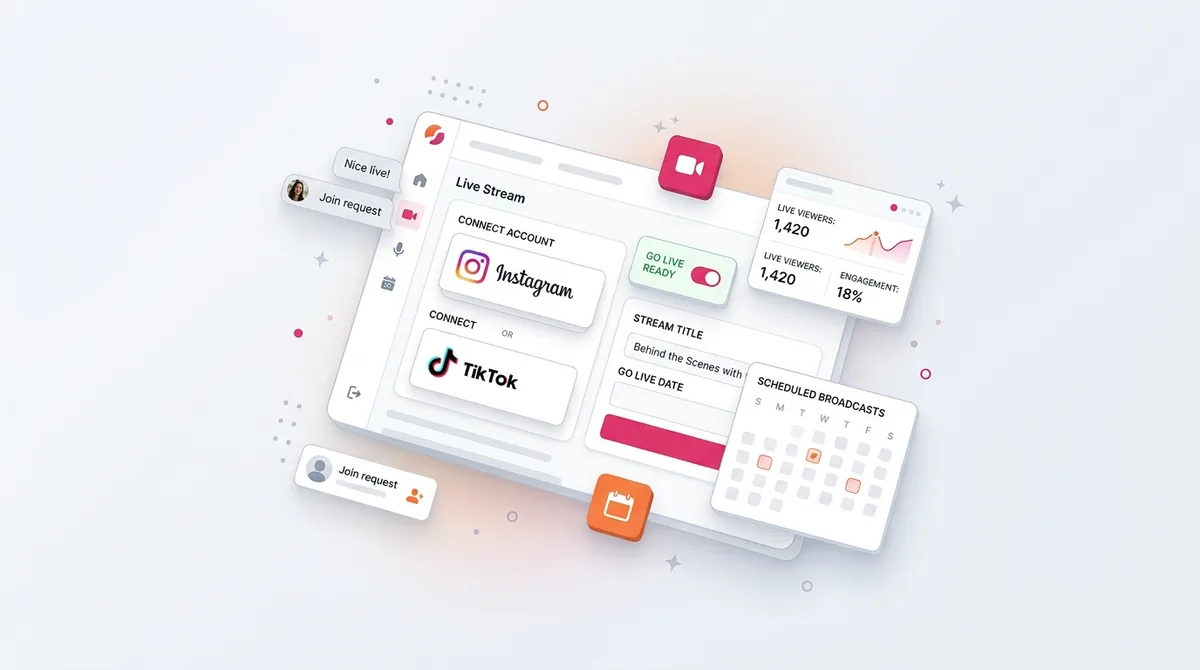
You do it with RTMP-based multistream tools like Restream or Streamlabs or via StreamYard’s multistream feature. You plug in both stream keys, hit Go Live, and that same vertical video gets pushed to both platforms.
The 9:16 vertical output requirement
Here’s where most first-time desktop streamers blow it: they go live with a horizontal 16:9 canvas.
OBS defaults to 1920×1080. On a phone, that becomes a tiny TV in the middle of the screen with huge black bars top and bottom. Watch time tanks. Chat feels dead. The algorithm reads “no one is staying” and stops pushing your stream.
Before you ever hit Go Live, set your OBS or StreamYard canvas to 720×1280 or 1080×1920. Vertical. Full-screen on mobile. This one setting is the difference between “Live doesn’t work for me” and “ohhhh, people actually watch this.”
The tradeoffs of simulcasting
Simulcasting looks glamorous: two platforms at once, double the growth, great story to tell sponsors.
Reality:
- Pros: More reach per broadcast, one prep cycle, more clips to repurpose later.
- Cons: Split chat attention, trickier analytics (you’re reading two dashboards), and if you slip on a policy line, you risk strikes on both accounts at the same time.
Most mid-size creators I know simulcast “big” events — launches, charity streams, huge collabs — but alternate platforms for their weekly regular shows to keep chat more focused.
Live titling matters for SEO in 2026
Why Live titles became searchable
Both TikTok and Instagram started indexing Live titles for in-app search in late 2025. That sounds nerdy, but it changes how you should title your streams.
When someone searches “live crypto Q&A” or “Friday night watch party” in the app, active Lives with matching titles show up right next to pre-recorded videos. Your title becomes a real discoverability lever, not just a vibe check.
The mistake most creators still make? Cute, vague titles. The algorithm doesn’t care that “✨ cozy night together ✨” reflects your brand aesthetic. It cares that “Study with me live – 2 hour focus session” matches what users actually type.
Plan your titles the same way you’d plan a blog headline or YouTube title. Literal, keyword-rich, and specific. If you’re stuck, write five versions and pick the most boringly clear one. That’s usually the winner.
And if you’re already thinking about the short-form clips you’ll pull from your Lives, tools like TikTok caption generators can help you turn those key moments into searchable posts that keep working after the stream ends.
Common mistakes that kill Live reach
Trying to go live on Instagram with under 1K followers
If you’re under 1,000 followers, you’ll see “Live unavailable.” There’s no hack, no secret menu, no “just use this third-party app.” The August 2025 policy change is enforced globally.
Your only real move is the boring one: commit to 60–90 days of consistent Reels and feed content, grow to 1K, then revisit Live.
Streaming from desktop with horizontal output
This is the #1 technical fail I see from first-time desktop streamers.
They spend hours setting up scenes, overlays, cameras… and then stream 1920×1080 horizontal into a vertical app. Viewers see a postage stamp. They leave. The algorithm stops promoting the stream.
Fix it once in your OBS base canvas settings: 1080×1920. Save a vertical scene template. Never touch it again.
Forgetting to toggle “Save Live to Archive” on Instagram
Instagram used to auto-save Lives. In 2026, it does not. You must manually toggle Save Live to Archive in your Live settings before the stream ends.
Archived Lives sit there for 30 days and then auto-delete. If you planned to slice that Live into Reels later and you forget this toggle? You have a 30-day ticking clock and zero backups on Meta’s side once it’s gone.
This is why I’m a fan of parallel recording on desktop or even pointing a spare phone camera at you when you go Live from mobile — redundant capture beats regret.
Letting your TikTok CHR drift below 200
Most CHR drops are slow leaks, not dramatic crashes.
You repost too many memes. You flirt with borderline topics. You publish AI-written scripts without labeling them. None of these individually look like a big deal, but cumulatively they drag your health score down.
Then, the day you want to run a big Live with a sponsor, your gifts are disabled and you’re in policy-quiz jail trying to fix it.
Going live with no plan
The biggest non-technical killer is still this: creators go Live with nothing ready.
They hit the button, say hi to a couple usernames, then… stall. No hook, no agenda, no reason for a new viewer to stay longer than 15 seconds.
Both platforms are brutal about the first 3 minutes. Early retention sets the ceiling for the rest of the broadcast. If people stick, you get pushed. If they bounce, your Live turns into a private FaceTime with three people.
Always know your opener, your first interactive moment, and the “clip-worthy” segment you want to hit by minute 10.
Best practices that compound across both platforms
A consistent schedule beats sporadic streams
Most creators underestimate how much algorithms love routine.
If you go Live every Wednesday at 7 PM, you’re training two things at once:
- Your audience — they start blocking that time mentally.
- The algorithm — it starts to “expect” a spike in engagement from your account at that time.
A weekly 30-minute Live at a fixed slot almost always beats three random 90-minute Lives in the same month. Predictable inputs, predictable outputs.
Announce 24 hours before the stream
An unannounced Live relies 100% on algorithmic mercy.
A Live teased 24 hours before with a Story + a feed post rides in on demand that you’ve already warmed up. Across accounts I’ve seen, that usually means 3–5x the initial viewer count compared to “surprise, I’m Live.”
Those first 50–100 viewers are everything; they’re the early signal that decides whether your stream goes wider.
On Instagram, that might look like a Reel the day before and a Story countdown sticker the day of. If you’re trying to time your Lives around peak audience windows, resources like a simple best time to post on Instagram breakdown can at least keep you out of the obvious dead zones.
Repurpose Live into short-form content
The Live itself is the event. The clips are the growth engine.
Think of your Live as a recording session for your next week of posts. While you’re planning, mark 3–5 specific “clip moments”:
- A spicy take you know will hit
- A step-by-step breakdown
- A transformation or reveal
Then pull those into 30–60 second Reels and TikToks. Caption them with search-friendly hooks, post them across the next few days, and suddenly your one Live is feeding your entire content calendar.
And if editing vertical formats is a headache, an in-browser social video resizer makes it a lot less painful to get clean crops for Reels, TikTok, and Shorts from the same Live recording.
From one-off Live broadcasts to a Live-centric content rhythm
One Live is a stunt. A recurring Live with content wrapped around it is a strategy.
The hard part isn’t the broadcast itself — it’s everything around it:
- Teaser post 24 hours before
- Story reminder a few hours before
- Post-Live recap or “highlights” post
- 3–5 short-form clips spread over the week
That’s where most creators fall apart. They can muster the energy to go Live, but they don’t have the bandwidth to remember all the surrounding posts consistently.
The fix is turning your Lives into calendar blocks instead of vibes. Tools like a visual content calendar help a lot here — you plan the Live as the hub, then drag your teaser, recap, and clips around it. I use Instagram scheduling inside SocialCal for exactly this: my Live becomes an anchor, and all the supporting posts are slotted in advance so I’m not trying to remember them on the fly.
Ready to save 15+ hours every week?
Join other creators who've automated their social media with SocialCal.
Get started freeQuick framework: which platform should you go live on?
- Under 1K followers on both: You’re not eligible. Forget Live for now. Go all-in on Reels and TikToks for 60–90 days and hit that 1K gate first.
- 1K–10K, audience mainly on TikTok: Go Live on TikTok first. Lives there build community fast, and the gift system rewards frequent, interactive streams.
- 1K–10K, audience mainly on Instagram: Start with Instagram Lives. Use Live Rooms with another creator to tap into their audience and effectively “cross-pollinate” followers.
- 10K+ on both: Simulcast big events using RTMP, but alternate weekly solo shows between platforms so chat doesn’t feel ignored.
- Niche like gaming, fitness, or finance: Apply for TikTok LIVE Studio and build a higher-production show — overlays, scenes, and multi-cam setups matter more in those verticals.
- Strong Subscriptions base on IG: Prioritize Subscribers-only Lives. The intimacy and predictability of those streams tend to beat wider but colder public audiences for revenue.
Checklist: how to go live on Instagram and TikTok the right way
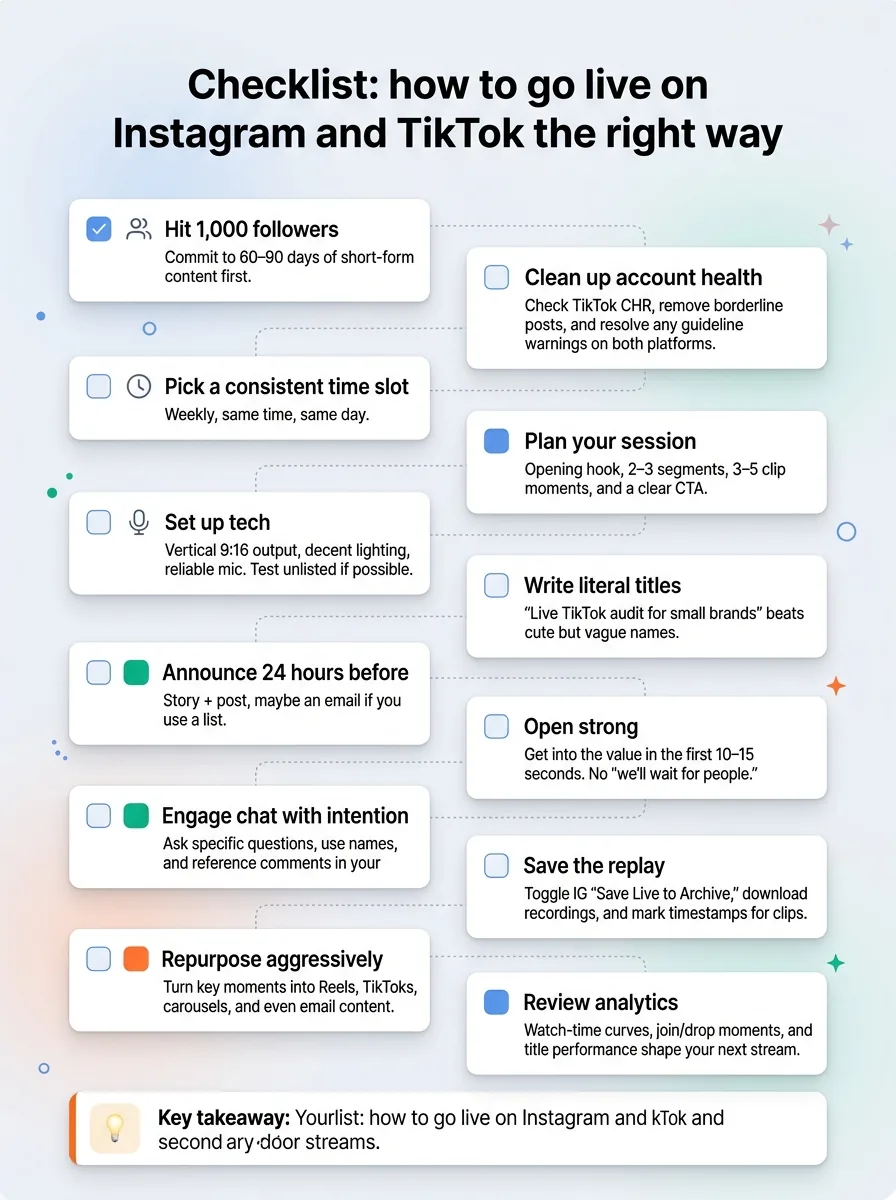
- Hit 1,000 followers. Commit to 60–90 days of short-form content first.
- Clean up account health. Check TikTok CHR, remove borderline posts, and resolve any guideline warnings on both platforms.
- Pick a consistent time slot. Weekly, same time, same day.
- Plan your session. Opening hook, 2–3 segments, 3–5 clip moments, and a clear CTA.
- Set up tech. Vertical 9:16 output, decent lighting, reliable mic. Test unlisted if possible.
- Write literal titles. “Live TikTok audit for small brands” beats cute but vague names.
- Announce 24 hours before. Story + post, maybe an email if you use a list.
- Open strong. Get into the value in the first 10–15 seconds. No “we’ll wait for people.”
- Engage chat with intention. Ask specific questions, use names, and reference comments in your explanations.
- Save the replay. Toggle IG “Save Live to Archive,” download recordings, and mark timestamps for clips.
- Repurpose aggressively. Turn key moments into Reels, TikToks, carousels, and even email content.
- Review analytics. Watch-time curves, join/drop moments, and title performance shape your next stream.
Frequently asked questions
Why can’t I go live on Instagram anymore?
Most likely you’re under the new 1,000-follower threshold Instagram introduced in August 2025, or your account has a guideline restriction. There’s no way around the 1K gate. Focus on Reels and regular posts, fix any policy issues, and you’ll see Live access appear once you pass that line.
Do I need 1,000 followers to go live on TikTok and Instagram?
Yes. As of 2026, both TikTok and Instagram require at least 1,000 followers to go Live. TikTok also requires you to be 18+ (19+ in South Korea) with a healthy Creator Health Rating, while Instagram requires a standard-age account in good standing.
Can I go live on both platforms at the same time?
Yes, as long as you haven’t signed an exclusivity contract with either platform that bans simulcasting. Use RTMP multistream tools like Restream or StreamYard to send one 9:16 vertical stream to both TikTok and Instagram at once, but remember you’ll be managing two chats and two sets of analytics.
What replaced Instagram Live Shopping in 2026?
Instagram has shifted from Live Shopping to short-form commerce. In 2026, the focus is on affiliate tagging with Reels and other pre-recorded content where creators can tag products and earn commissions asynchronously. Lives are now more about community, education, and directing viewers to those tagged posts.
How long can an Instagram Live last?
Instagram Live currently supports streams up to 4 hours for most accounts. After that, the stream automatically ends. If you need longer events, plan for short breaks and restart a fresh Live, or break the session into clear 2–3 hour blocks for your audience’s sanity.
Can you go live from a desktop computer?
Yes. On TikTok, you can apply for TikTok LIVE Studio via the Creator portal. On Instagram, Professional Accounts (Creator or Business) can use Instagram Live Producer via RTMP from tools like OBS or StreamYard. In both cases, you should output in vertical 9:16 for the best mobile experience.
Why does my Instagram Live disappear after 30 days?
By default, Instagram stores archived Lives for 30 days. After that, they’re automatically deleted from your archive. To avoid losing content, always toggle “Save Live to Archive” before ending your stream and download the recording to your device so you can keep and repurpose it yourself.
The principle: Live is gated, but what matters is what you do after
As of 2026, the rules are simple: 1,000 followers or no Live, on both TikTok and Instagram. Same gate, different worlds behind it. TikTok leans harder into monetized chaos and gifts; Instagram leans into community, collabs, and Subscriptions.
Your job isn’t to obsess over which platform is “better” in the abstract. It’s to pick the one that matches where your audience actually hangs out, then show up there on a rhythm they can trust. Growth isn’t about polishing the perfect one-off broadcast — it’s about building a repeatable system: short-form for discovery, Lives for depth, and a sane content calendar (I use SocialCal for this) to keep you consistent when your motivation inevitably dips.