The Screenshot Anxiety: Why We’re All Afraid of the ‘Flash’
We have all been there. You are tapping through your feed late at night, doing some "competitor research." You spot a brilliantly formatted hook on another creator's profile.
Jump to a section:
- The Screenshot Anxiety: Why We’re All Afraid of the ‘Flash’
- Does Instagram Notify When You Screenshot a Story? (Quick Answer)
- The Psychology of Privacy: Why Instagram’s Notification Logic Feels So Unpredictable
- The Critical Exception: When Instagram *Does* Send a Notification
- Strategies for Safely Curating Content for Your Brand
- Why Most People Still Get Competitor Research Wrong
- Why Consistency in Posting Beats Secret Research Every Time
- The 5-Step Checklist for Instagram Privacy and Safety
- Frequently Asked Questions About Instagram Notifications
- Conclusion: Focus on Presence, Not Surveillance
Instinct kicks in. You hit the side buttons on your phone to capture it for your swipe file.
Then, the panic sets in.
You stare at the screen, heart rate spiking, wondering if you just outed yourself as a lurker to a rival brand. The question immediately hits your brain: does instagram notify when you screenshot a story right now?
Ready to save 15+ hours every week?
Join other creators who've automated their social media with SocialCal.
Get started freeIt is a completely valid fear. Platform rules change constantly, and the social awkwardness of getting caught creeping on someone's content is enough to make any creator hesitate. But as someone who curates hundreds of inspiration pieces a month, let me give you the exact mechanics of how this works right now.
Does Instagram Notify When You Screenshot a Story? (Quick Answer)
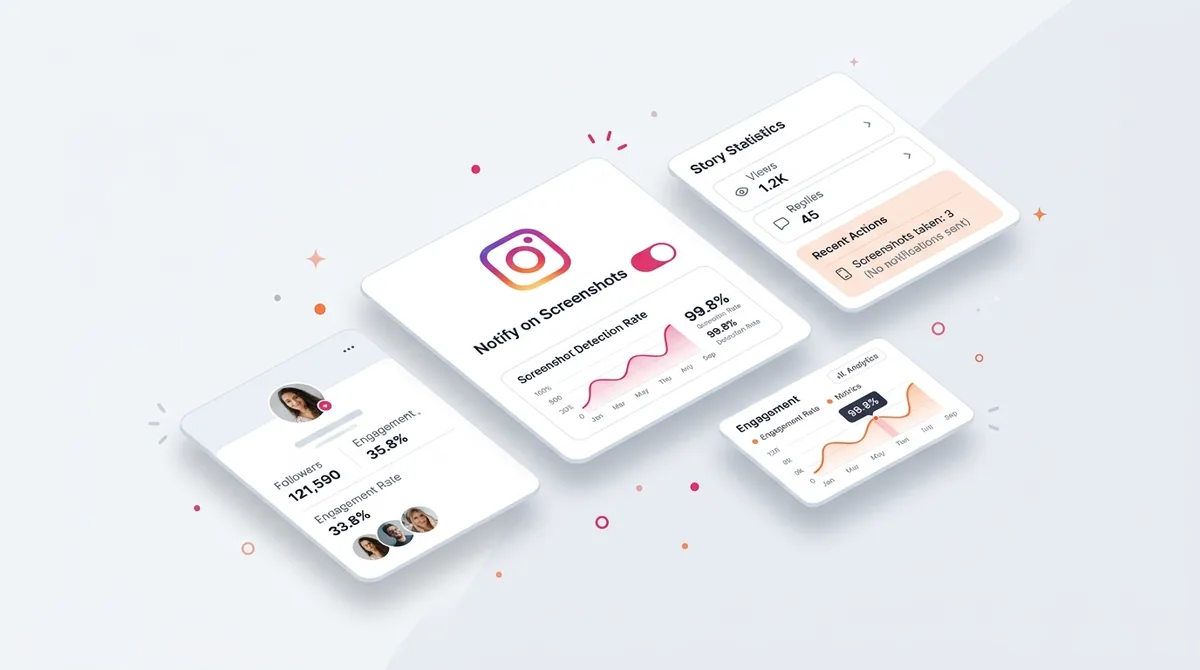
No. Instagram does not notify users when you screenshot their regular Story. You can capture photos, videos, text, or carousels freely without the creator ever knowing. However, if you screenshot a disappearing photo or video sent specifically in a Vanishing Mode Direct Message, Instagram will immediately send the creator a notification.
The Psychology of Privacy: Why Instagram’s Notification Logic Feels So Unpredictable
If you feel paranoid about screenshots, you are actually remembering history correctly.
Back in 2018, Instagram actively tested a feature where they did alert creators when their public Stories were captured.
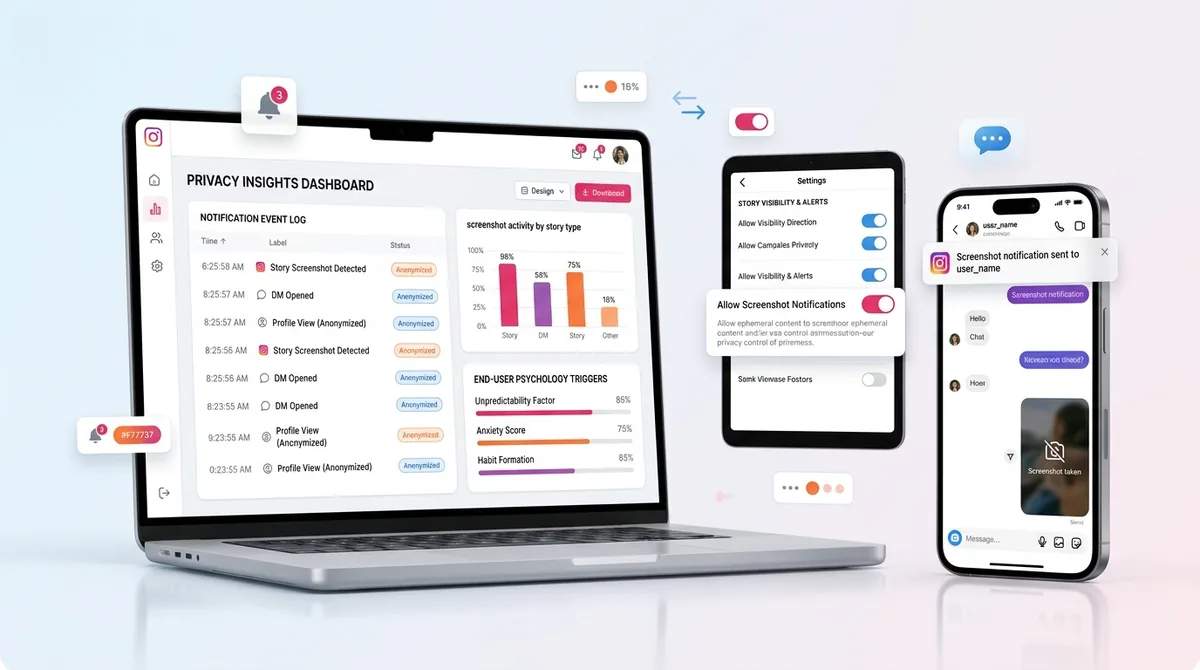
Why did they roll it back? It comes down to behavioral psychology and platform metrics.
Instagram wants to maximize time-in-app. They realized that the fear of a notification actually suppressed user engagement. People stopped sharing content in group chats. They stopped curating mood boards. By removing the public notification trigger, Instagram prioritized frictionless browsing over creator analytics.
They chose the viewer's comfort over the creator's ego.
The Critical Exception: When Instagram *Does* Send a Notification
While public content is fair game, the algorithm heavily protects private, one-to-one interactions.
Screenshots in Vanishing Mode DMs
If someone sends you a photo or video using the "Disappearing Messages" feature inside a DM thread, the rules completely change.
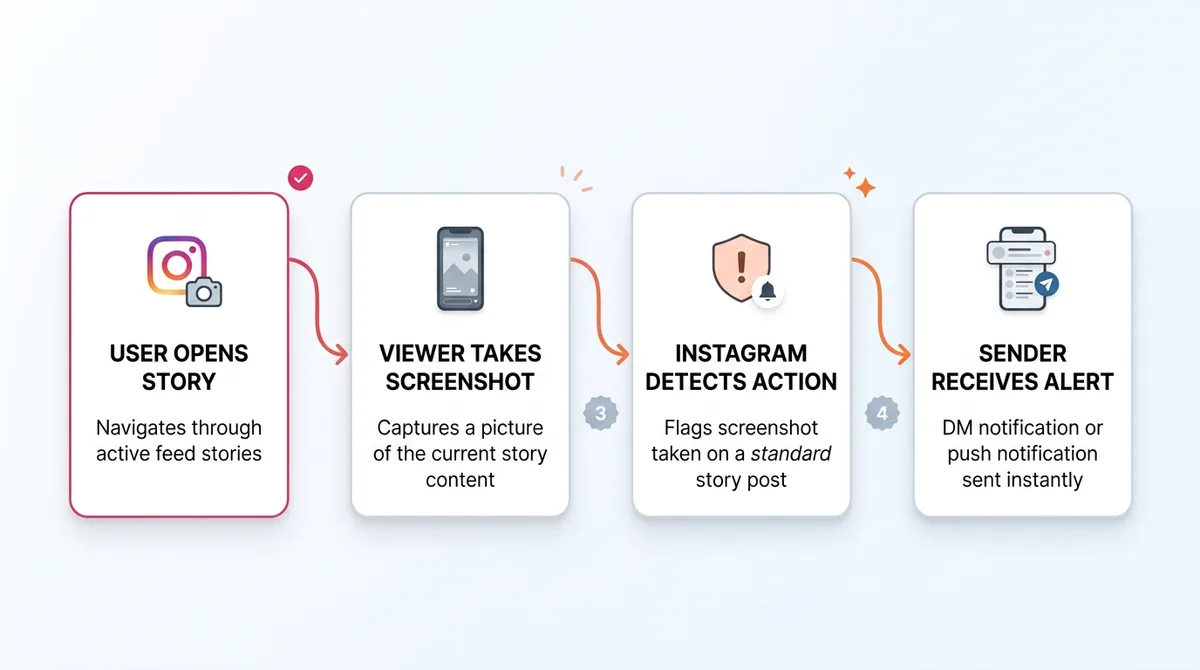
This feature is designed for temporary, private sharing. Because the platform needs users to trust the security of private chats, the API is hardcoded to monitor screen capture events in this specific environment.
Identifying the 'Sunburst' Notification Icon
If you capture a disappearing message, you will not just get a subtle warning. The sender sees a distinct, undeniable "sunburst" icon right next to the message bubble in their chat thread. There is a line of text that explicitly states you took a screenshot. You cannot unsend it, and you cannot hide it.
Strategies for Safely Curating Content for Your Brand
Creators need to save inspiration. It is how you build a reliable content system. If you are still worried about accidental slips, here is how you safely curate what you see.
Using the Web Browser Workaround
The simplest way to bypass any mobile app tracking is to not use the mobile app. When you view Instagram on a desktop browser, you are interacting with the web app, which does not have the same deep operating system permissions to detect keyboard shortcuts or screen clipping tools.
The High-Quality Curation Method
Screenshots are actually terrible for curation anyway. They compress the image, include the bulky UI overlay, and look messy in your swipe file.
When I find an amazing Story or Reel I want to study, I use an Instagram downloader instead. It pulls the raw, high-definition media file directly from the source without triggering any API flags on the creator's end. You get a clean asset to analyze, and the creator remains completely unaware.
The Airplane Mode Safety Buffer
If you are stuck on mobile and need to be absolutely certain no data is transmitted, you can manipulate your connection.
Load the Story so it caches on your device. Turn on Airplane Mode, completely severing your Wi-Fi and cellular connection. Take your screenshot. Then, force-close the app entirely before reconnecting to the internet. Because the app could not communicate with Instagram's servers at the exact moment the screen capture event triggered, the data packet simply drops.
Why Most People Still Get Competitor Research Wrong
Even when creators learn they can capture content safely, they usually mess up the execution. Here is what I see constantly:
Hoarding without organizing: Your camera roll is a graveyard of 4,000 unorganized screenshots you will never look at again.
Replicating instead of analyzing: Copying a competitor's exact hook instead of breaking down why the structural pacing worked.
Ignoring the audio: Taking a static image of a Story when the real driver of engagement was the trending audio track behind it.
Consuming more than creating: Spending three hours a day researching competitors and zero hours building your own assets.
Why Consistency in Posting Beats Secret Research Every Time
Look.
Knowing the answer to "does instagram notify when you screenshot a story" might give you peace of mind. But lurking on your competitors is not going to grow your account.
The algorithm does not reward the creator with the best swipe file. It rewards the creator who trains their audience to expect high-quality content on a predictable schedule.
When you post consistently, you trigger positive habit loops. The algorithm measures early engagement velocity—how your core audience reacts in the first 30 minutes. If you show up reliably, Instagram starts feeding your content to non-followers.
This is why you need to transition from consumer to creator. Instead of taking screenshots manually, build a system. Set up an Instagram Scheduler to visually plan your grid and queue up your Stories in advance.
You can even maintain your sanity by learning how to grow without posting daily, provided the days you do post are scheduled and highly intentional.
The 5-Step Checklist for Instagram Privacy and Safety
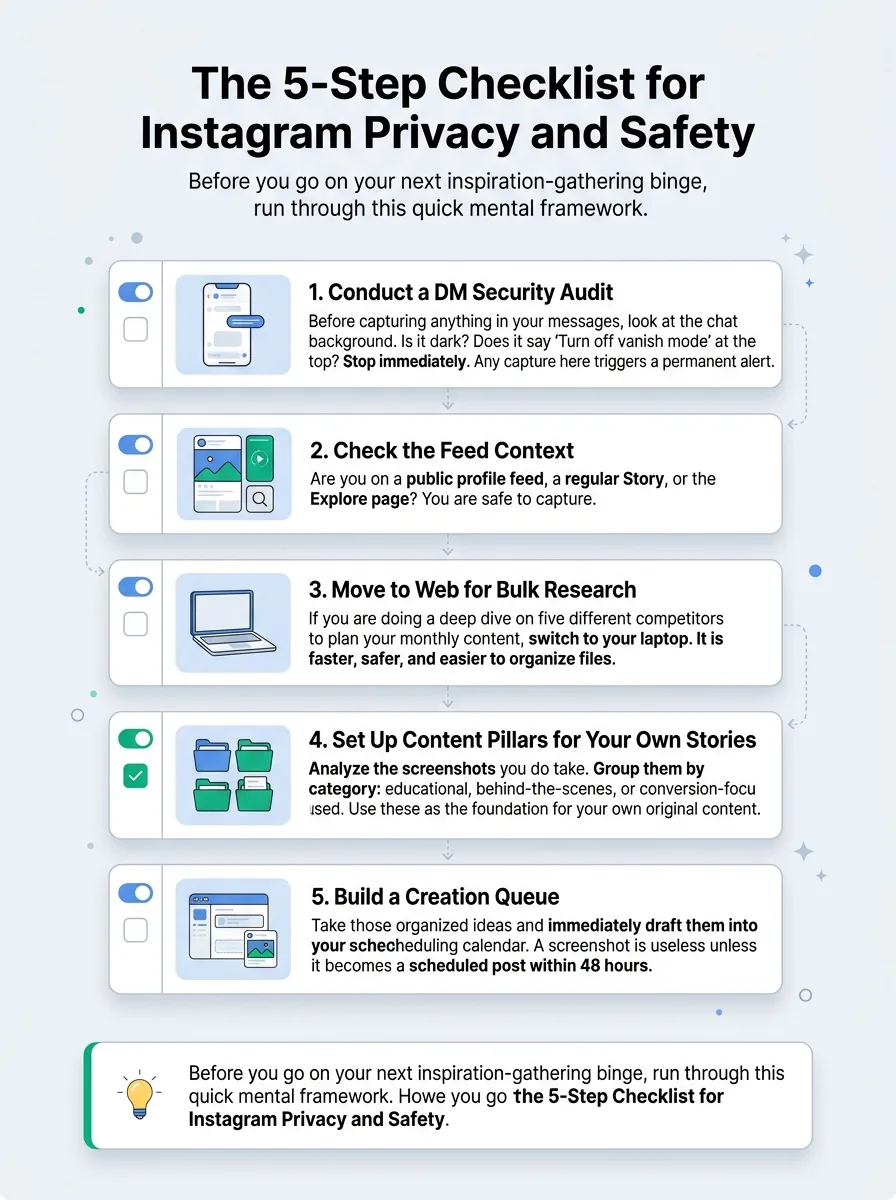
Before you go on your next inspiration-gathering binge, run through this quick mental framework.
1. Conduct a DM Security Audit
Before capturing anything in your messages, look at the chat background. Is it dark? Does it say "Turn off vanish mode" at the top? Stop immediately. Any capture here triggers a permanent alert.
2. Check the Feed Context
Are you on a public profile feed, a regular Story, or the Explore page? You are safe to capture.
3. Move to Web for Bulk Research
If you are doing a deep dive on five different competitors to plan your monthly content, switch to your laptop. It is faster, safer, and easier to organize files.
4. Set Up Content Pillars for Your Own Stories
Analyze the screenshots you do take. Group them by category: educational, behind-the-scenes, or conversion-focused. Use these as the foundation for your own original content.
5. Build a Creation Queue
Take those organized ideas and immediately draft them into your scheduling calendar. A screenshot is useless unless it becomes a scheduled post within 48 hours.
Frequently Asked Questions About Instagram Notifications
Does Instagram notify when you screenshot a profile grid?
No. You can take captures of anyone's main profile, grid, or bio without triggering any kind of alert.
Can you see who screenshotted your Highlight?
No. Story Highlights act exactly like regular Stories. The platform tracks views for 48 hours, but it never tracks or reports screen captures.
Does screen recording trigger a notification on Instagram?
The rules for screen recording are identical to static captures. Recording a normal Story is completely private. Recording a disappearing DM in Vanishing Mode will send a notification to the sender.
Ready to save 15+ hours every week?
Join other creators who've automated their social media with SocialCal.
Get started freeConclusion: Focus on Presence, Not Surveillance
Stop stressing over whether your competitors know you are watching them. Current platform rules favor the viewer, meaning you can curate public inspiration all day long without setting off alarms.
But true brand authority is not built in the shadows. It is built through original, consistent output. Take the energy you spend worrying about notifications, channel it into your own content calendar, and let your audience start screenshotting you.